Adobe Express
Adobe Express is web software comparable to Canva, and is part of SMCCCD's Adobe Creative Cloud EDU plan. If you already use Photoshop or Illustrator, Adobe Express is a great companion because it syncs with your Creative Cloud Libraries. It offers robust features tailored for those already integrated into the Adobe ecosystem.
How to Login to Adobe Express, and check for Premium Access
-
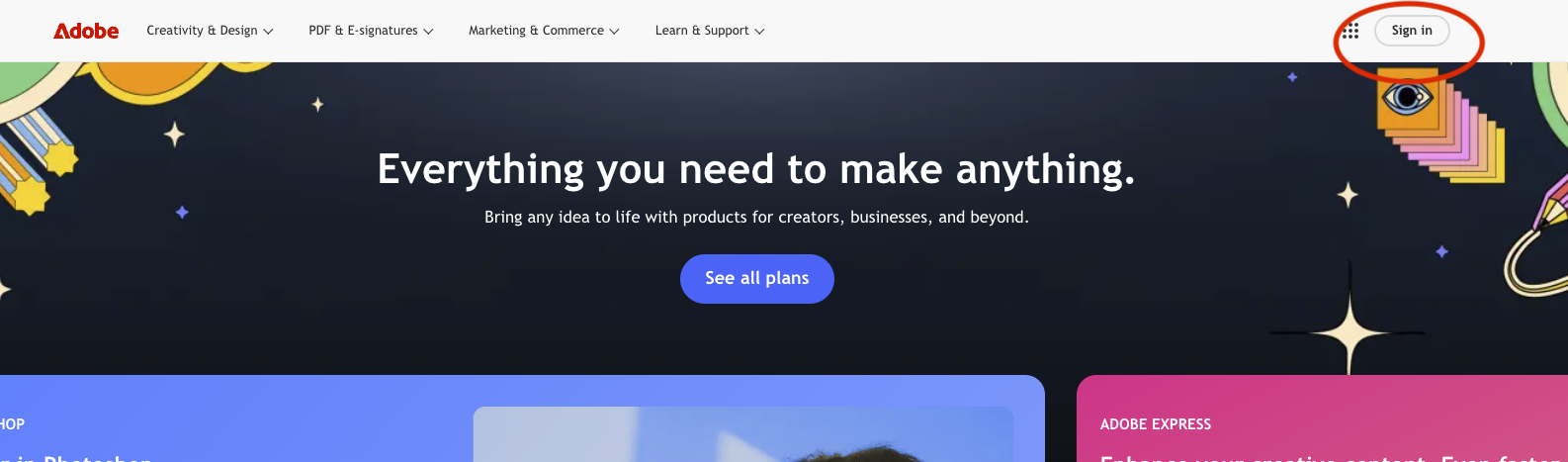
Go to to Adobe.com and then Sign in in the top right corner.
-
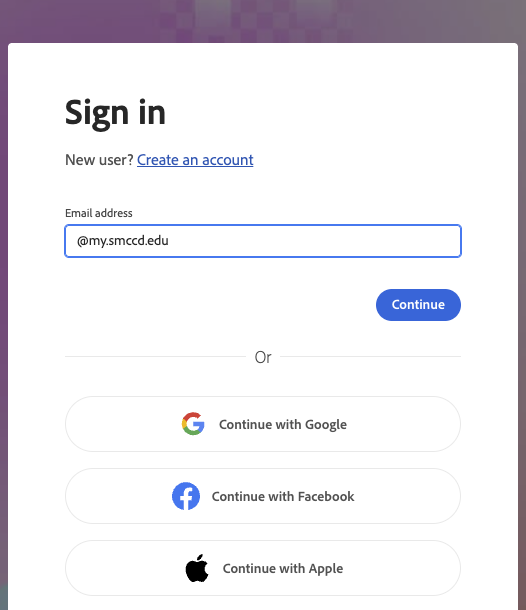
For the email, use @my.smccd.edu and it will take you OneLogin
-
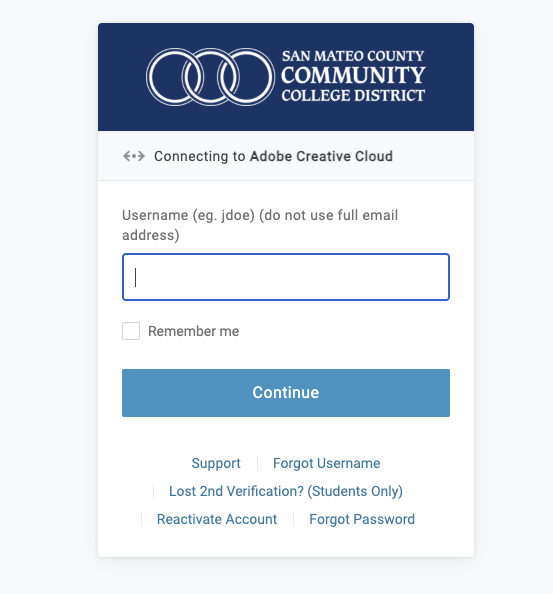
Use your student login
-
Once you are on the Adobe Home Page, navigate to Express (top of the screen)

-
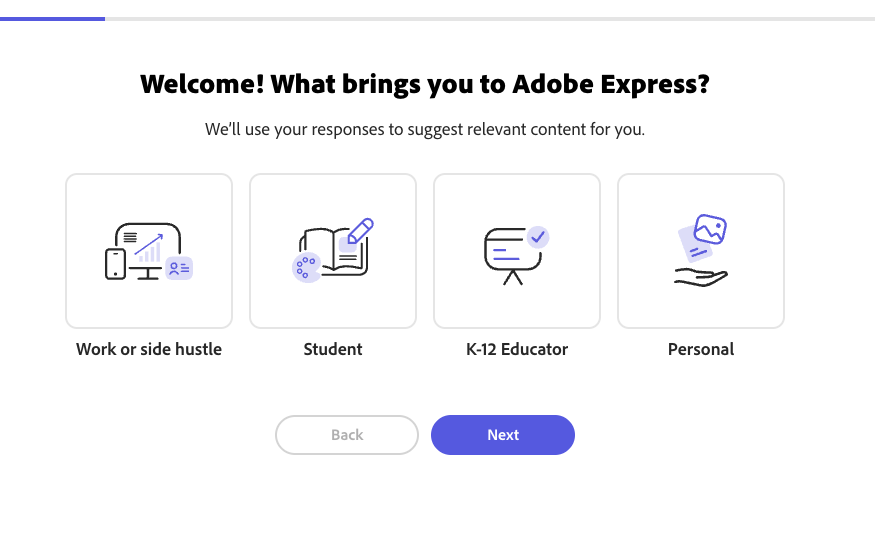
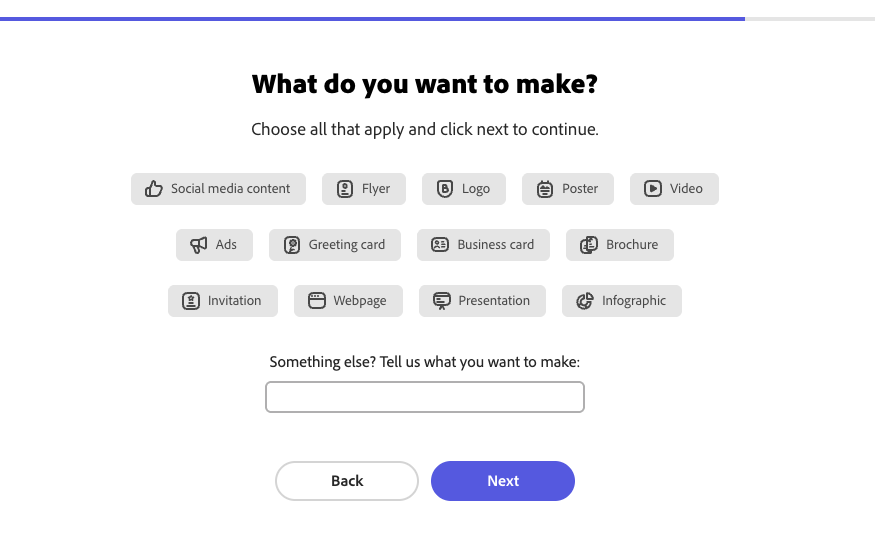
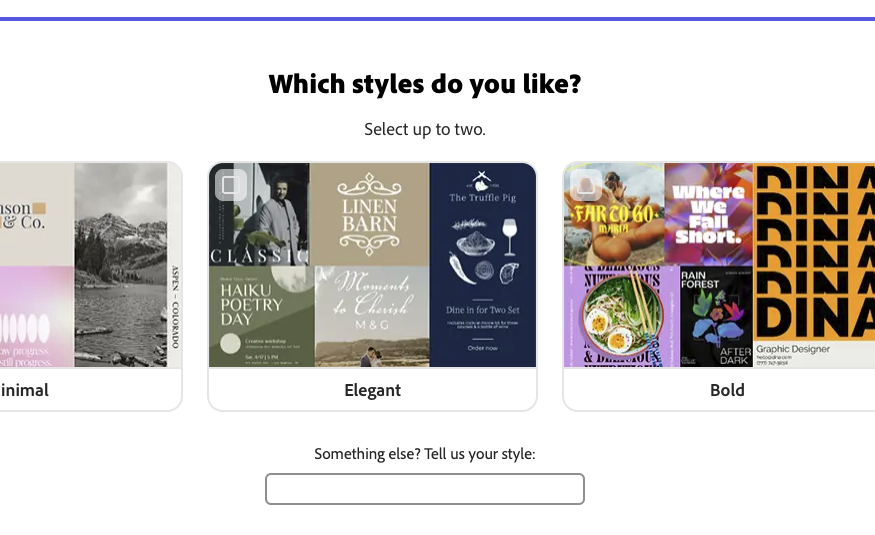
follow the steps
-
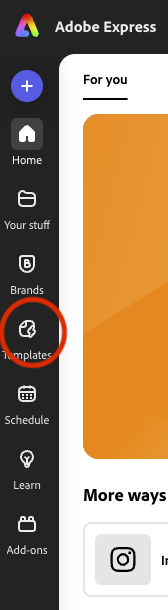
go to templates (left side of the screen)
-
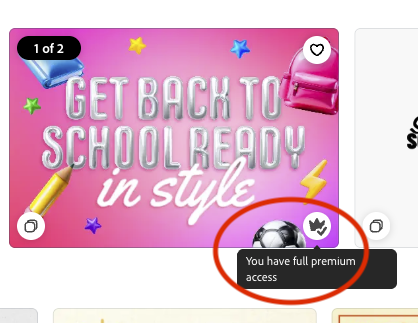
Some of the templates have a small crown, hover over it and it will say that you have premium access